Install S‑89 Assignment Slip Templates
The S‑89 assignment slips are used by the Meeting Editor, but the template files are not included with Meeting Schedule Assistant. To obtain them, send a copy of your S‑89 PDF to support@publictalksoftware.co.uk or use the Contact Form on the website. You will then receive a ZIP file containing the required templates.
Once you have the ZIP file, use the Install S‑89 Assignment Slip Templates command on the File menu to automatically install the templates into the correct folder on your computer.
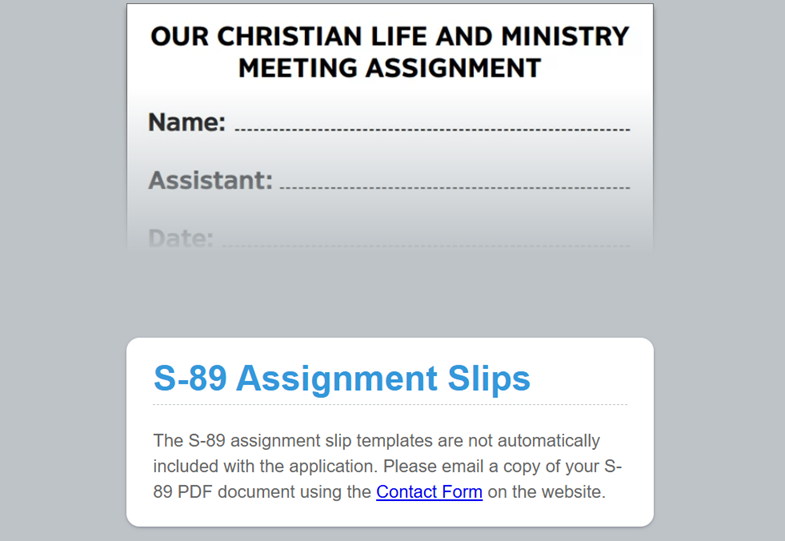
Figure 23. The Meeting Editor showing the S‑89 Assignment Slip placeholder message.
S‑89 Assignment Slip Versions and Supported Languages
Different languages use different versions of the S‑89 assignment slip. The table below shows which slip version is available for each language.
|
Slip Version |
Supported Languages |
|
S‑89 (11/23) |
All remaining languages not listed below |
|
S‑89 (11/20) |
Cinyanja (CIN), Setswana (TNA), Turkish (TRK) |
|
S‑89 (10/19) |
Haitian Creole (HTC), Punjabi (PAN), Sranantongo (SRN) |
|
S‑89 (10/18) |
Czech (CSY), Aukan (DRK), Hindi (HIN), Maltese (MLT), Saramaccan (SRM), Tamil (TAI) |
|
S‑89 (10/17) |
Estonian (ETI), Gun (GUN), Malagasy (MGY) |
Video Tutorial